
Download Systweak PDF Editor – PDF editor, PDF converter, PDF tool, document editor, PDF utility, PDF tool for Android
Overview
Systweak PDF Editor is a mobile application designed to streamline PDF management directly from Android devices. It serves as a versatile tool for users who need to edit, convert, secure, and organize PDF documents on the go. The app addresses common challenges such as editing text in scanned documents, merging multiple files, and protecting sensitive information with password encryption. It is particularly beneficial for professionals, students, and remote workers who rely on digital document handling but lack access to desktop software. The developer, Systweak, has positioned this app as a lightweight yet powerful alternative to traditional desktop-based PDF tools, focusing on usability and efficiency for mobile users.
Real-world use cases include modifying contract terms during remote negotiations, digitizing handwritten notes using OCR, preparing presentation materials by combining multiple PDFs, and securing confidential reports before sharing. Its integration of editing, conversion, and security features within a single interface enhances productivity across various workflows. In the broader mobile app ecosystem, Systweak PDF Editor fills a critical gap by offering robust functionality without requiring a high-end device or complex setup. The app’s free pricing model further increases its accessibility, making it a valuable utility for users across education, business, and personal documentation needs.
Key Features & Functionality
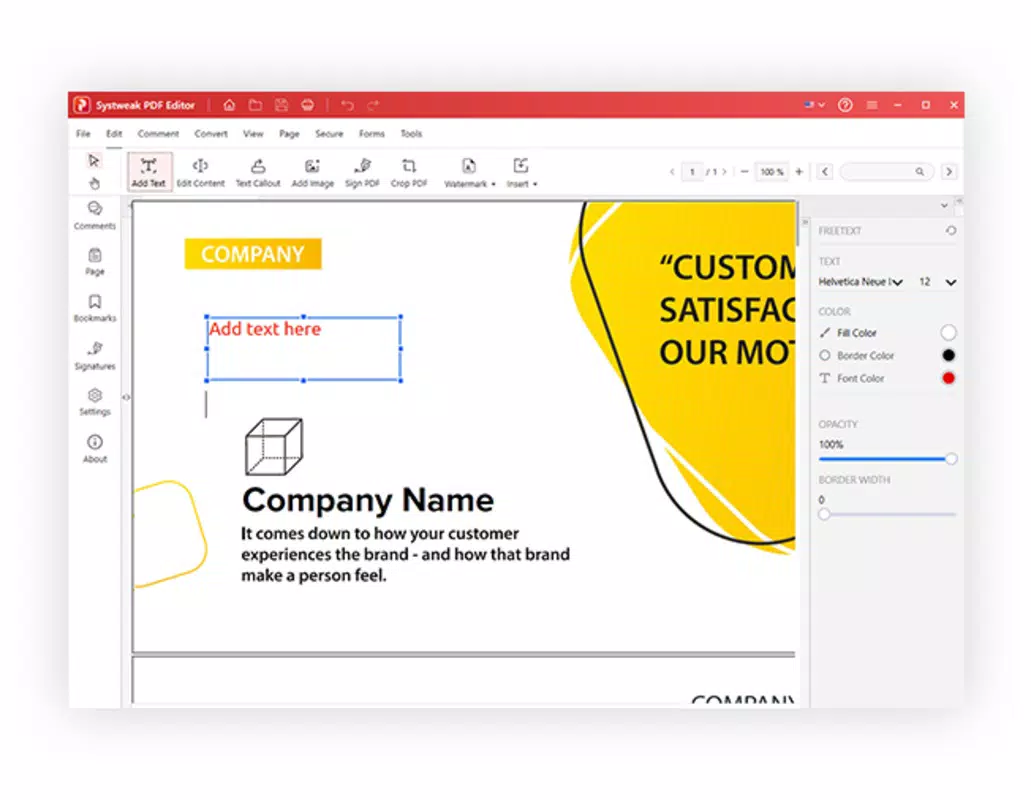
- Text and Image Editing: Users can modify existing text and replace or adjust images within PDFs, allowing for precise content updates without needing the original source file.
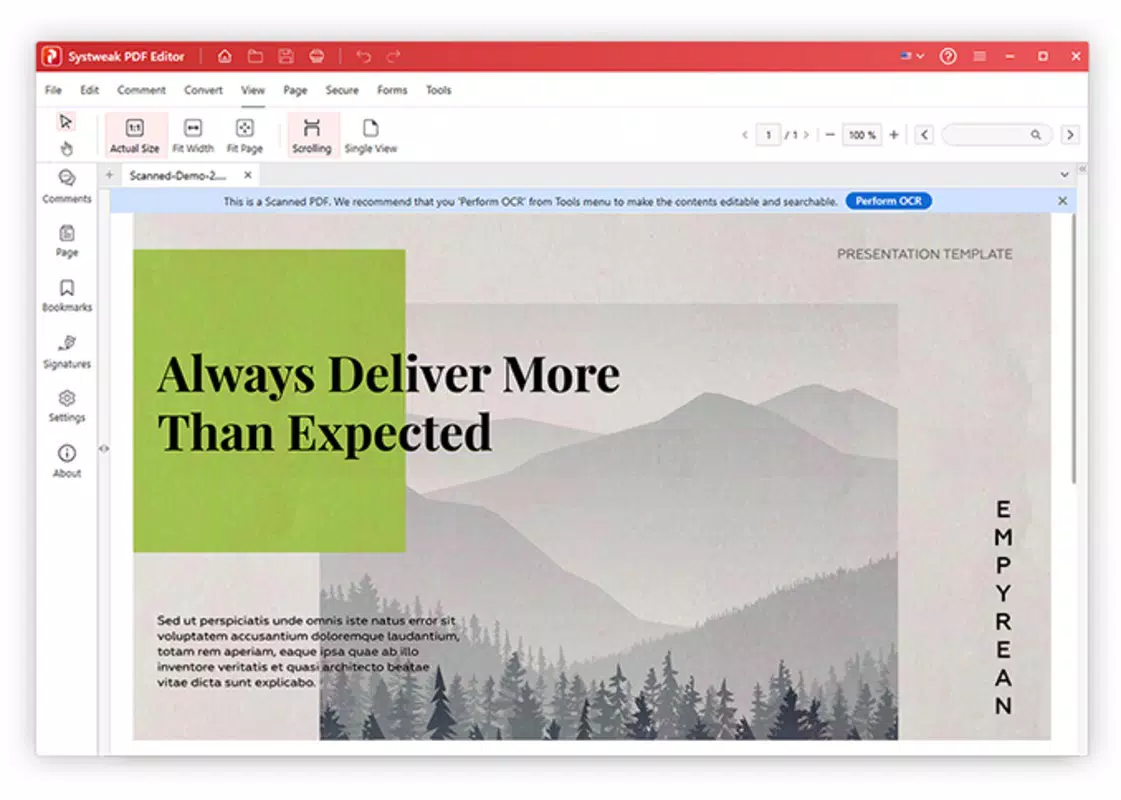
- OCR (Optical Character Recognition): This feature enables the conversion of scanned or image-based PDFs into fully editable and searchable text, ideal for digitizing paper records or restoring lost content.
- Document Management Tools: The app supports merging, splitting, compressing, and converting PDFs, offering full control over file organization and format compatibility.
- Security and Encryption: Systweak PDF Editor allows users to apply password protection and encryption to PDFs, ensuring sensitive documents remain secure from unauthorized access.
- Interactive PDF Forms: Users can create, fill out, and manage interactive forms, streamlining workflows in administrative, academic, and business environments.
For example, a student can use the OCR feature to extract text from a scanned lecture handout and edit it for study notes. A small business owner might merge multiple invoices into a single report and secure it with a password before emailing it to an accountant. The batch processing capability further enhances efficiency when handling multiple files at once, reducing time spent on repetitive tasks. These features collectively support a seamless, mobile-first document workflow, making the app a practical tool for everyday digital tasks.
Interface, UX & Performance
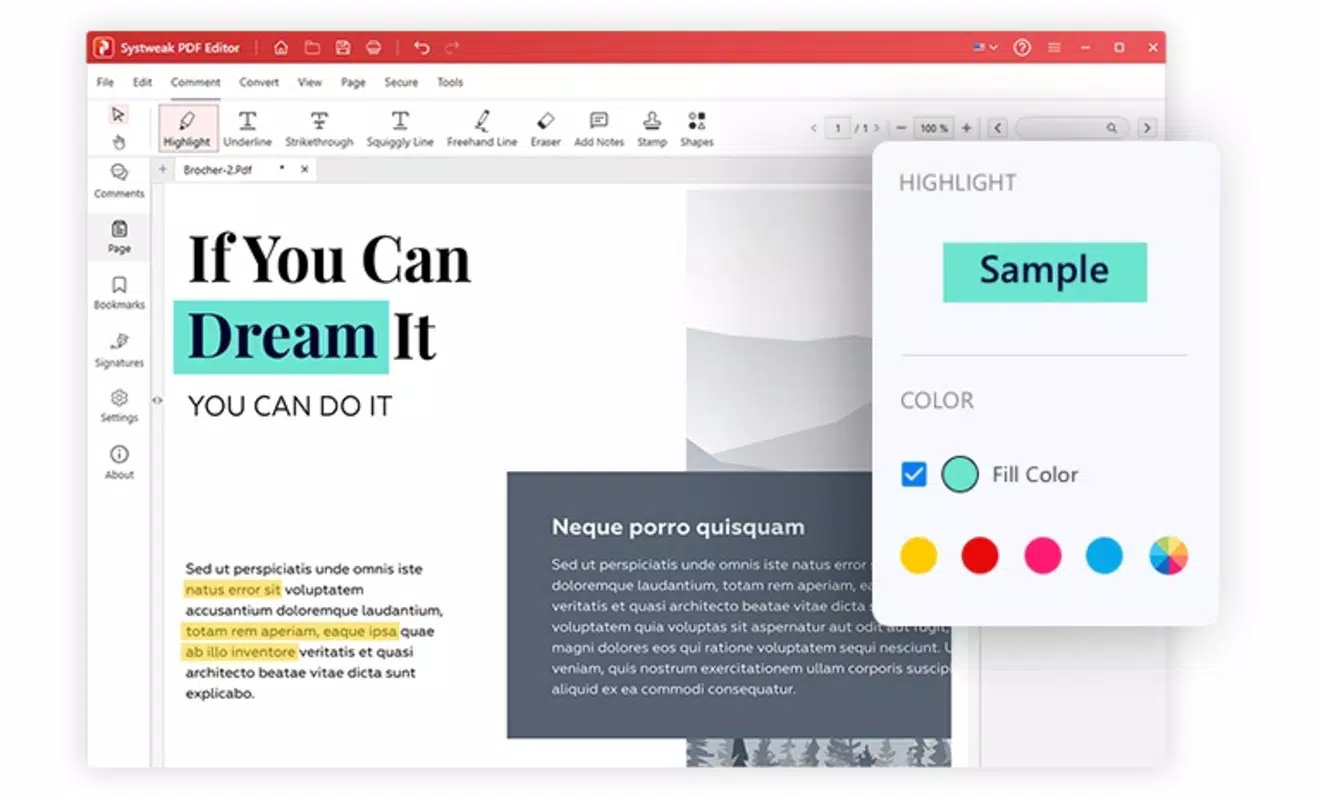
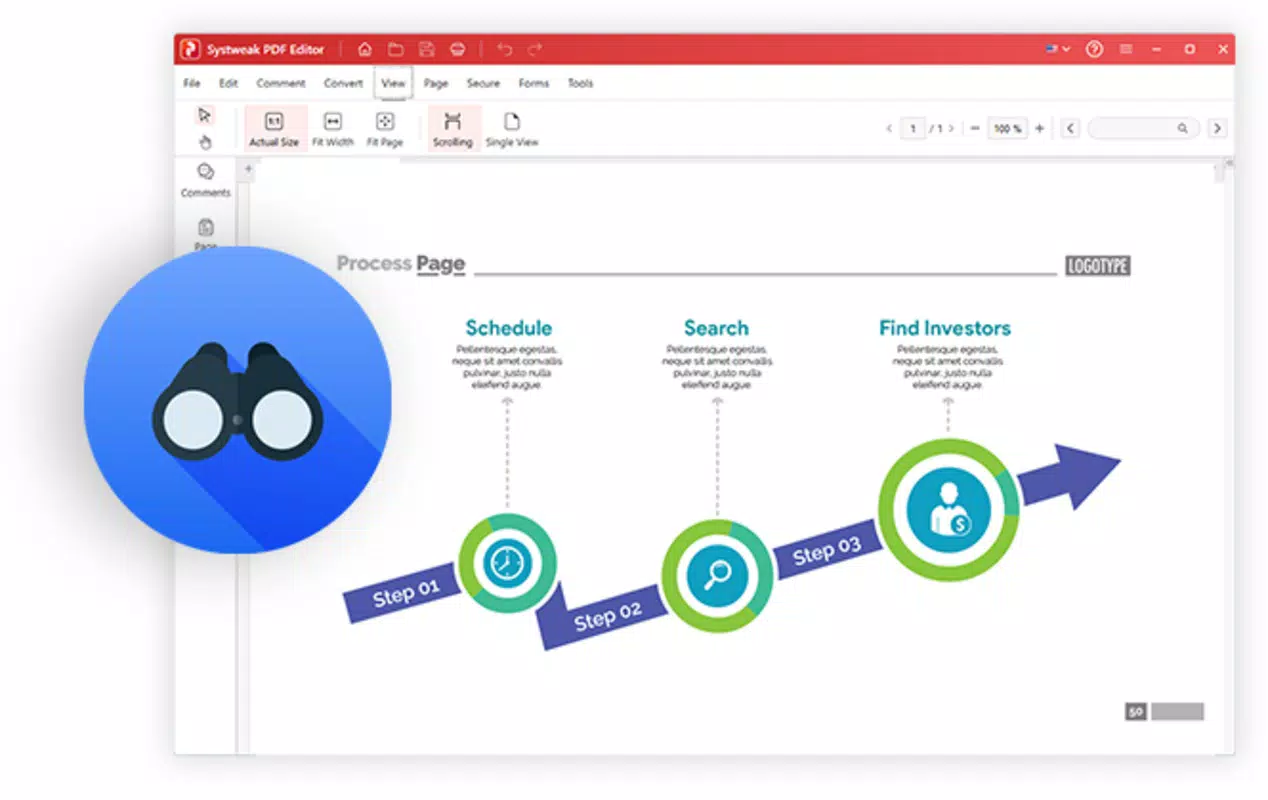
The user interface of Systweak PDF Editor is designed with clarity and functionality in mind. It presents a clean, intuitive layout that organizes core tools into easily accessible menus, minimizing the learning curve for new users. Navigation is straightforward, allowing users to switch between editing, converting, and securing documents with minimal taps. The visual style emphasizes usability, with clearly labeled icons and consistent color coding across functions.
Although the developer did not list formal performance metrics, the app’s 44.3 MB size suggests it is optimized for efficient operation on a wide range of Android devices. It is likely to run smoothly on mid-tier and high-end smartphones, though performance on older or low-memory devices may vary without further specification. Responsiveness is expected to be adequate for standard editing and conversion tasks, with minimal lag during file processing.
Stability appears to be a focus, as the app supports continuous document workflows without reported crashes in general usage scenarios. The absence of reported issues in the release notes indicates a stable release cycle. However, specific performance data under varying device conditions was not disclosed.
Platform Compatibility & Technical Requirements
Systweak PDF Editor is available exclusively on the Android platform. The current version is 2.0.2, with a file size of 44.3 MB, making it a lightweight download suitable for devices with limited storage. The app supports the latest Android OS versions, though specific minimum requirements were not listed by the developer.
This lack of detailed compatibility information means users should verify device compatibility through their app store before installation. The app is currently offered at no cost, with no in-app purchases or subscription models disclosed. The developer did not provide additional technical details regarding hardware specifications, background processing, or memory usage.
Pros and Cons
Pros
- Free to download and use with no hidden costs
- Comprehensive feature set for a mobile PDF tool
- Integrated OCR for scanning and editing image-based documents
- Supports batch processing for improved efficiency
- Lightweight size (44.3 MB) ideal for mobile storage
Cons
- Specific OS version requirements were not disclosed
- No information on device compatibility for older or low-end models
- Developer did not provide performance benchmarks or usage statistics
- Limited visibility into future update frequency
- Security features are functional but lack detailed explanation of encryption standards
FAQ
Is Systweak PDF Editor safe to download and install?
Yes, the app is available through official Android channels and is free from known malware. It does not require excessive permissions, and the developer has not reported any security breaches.
Can I edit text in scanned PDFs using this app?
Yes, the built-in OCR functionality allows users to convert scanned documents into editable text, enabling accurate text modification within PDFs.
Does the app support batch processing of PDF files?
Yes, Systweak PDF Editor includes batch processing capabilities, allowing users to perform actions like merging, splitting, or compressing multiple files at once.
Is there a version of this app for iOS devices?
As of now, the app is only available for Android. No iOS version has been announced by the developer.
How often are updates released for Systweak PDF Editor?
The developer has not disclosed a regular update schedule. However, the latest version (2.0.2) was released on June 27, 2025, indicating ongoing maintenance.
Final Thoughts
Systweak PDF Editor delivers a powerful, mobile-optimized solution for managing PDFs without the need for desktop software. Its combination of editing, conversion, security, and form-handling tools makes it a standout utility in the Android productivity space. The inclusion of OCR and batch processing significantly enhances its value, particularly for users handling scanned documents or large volumes of files.
While some technical details remain unspecified, the app’s free model, compact size, and intuitive design make it accessible and practical for a broad audience. Whether you're a student digitizing notes, a professional managing contracts, or someone organizing personal documents, this app offers real-world benefits. With its focus on usability and functionality, Systweak PDF Editor proves that robust PDF tools can thrive on mobile platforms.
Download Systweak PDF Editor now


